
Cableizer
Your cable planning tool.
Saved specs
Save the entire gig, including PA, looms, manual cable entries and stock levels. Specs are stored in this browser.
Cloud specs
Use the spec name above to save this gig to your account.
PA and speaker groups
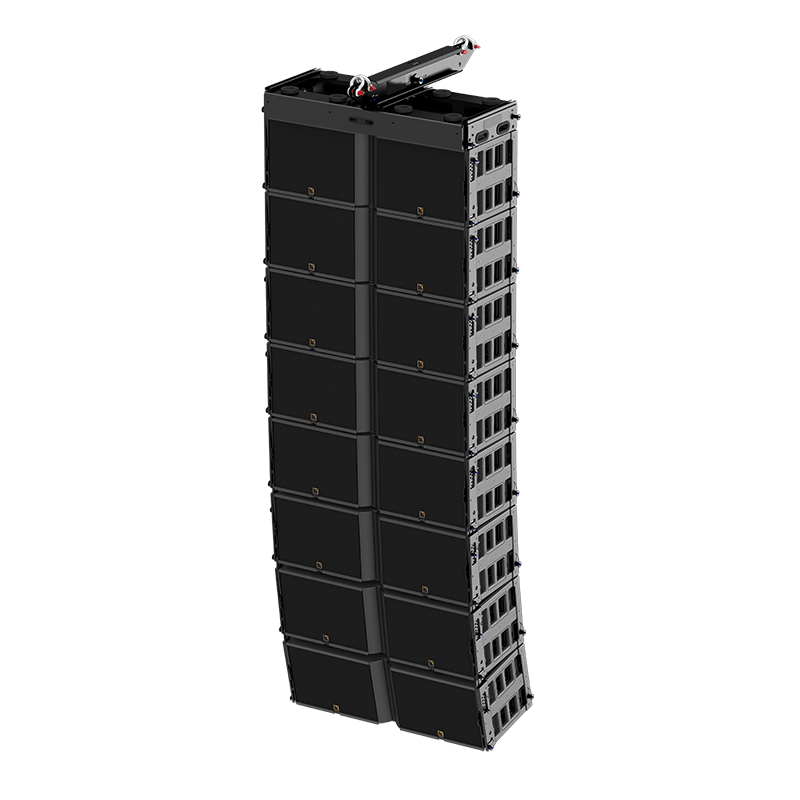
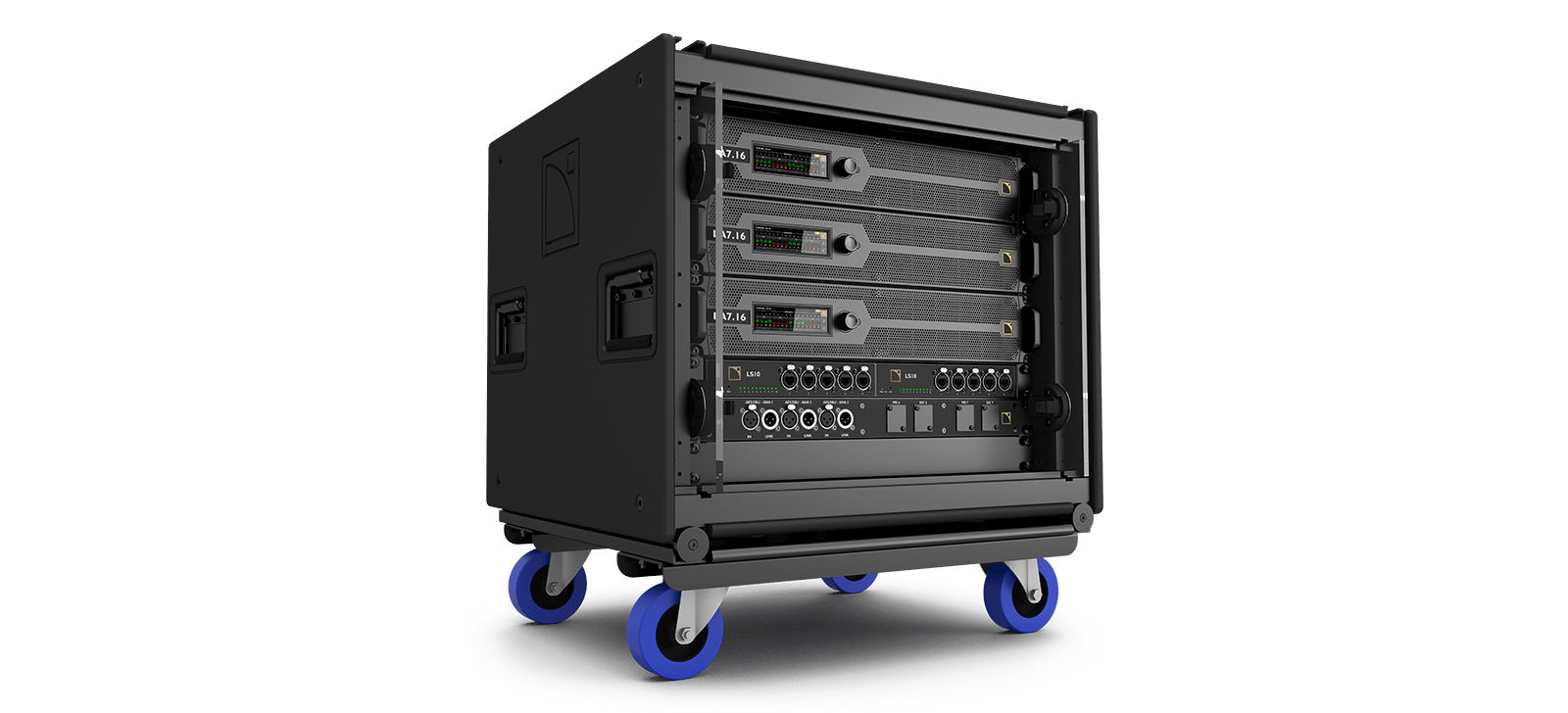
Select the speaker model, feed and rigging, then enter the cable run from the rack.
Files are processed locally. Load both to compare their coordinate origins.
Import Review
Check the speaker groups, rigging and position markers. Use Pack in a group on each hang to assign a packing group.
Shared Routes
Choose a start for each route and assign it to one or more hangs. Review each hang’s departure point in Import Review. A known cable run sets the base length for hangs using the full route.
Show extracted report text
Flown Rack Template defaults
Position register
Cable routes
Cable route templates
Packing groups
Create a case and choose which speaker groups to pack together. Remove a hang from its current packing group before selecting it in another.
Standalone or additional cable trusses
Use the Cable truss option on a hang to add one truss. Add standalone or extra trusses here. A linked truss uses the hang’s cable run unless you enter a different length.
Add a group or import a report to get started.
Standalone looms
Create a loom with its own length and link it to a hang if needed.
Manual cables & rigging
Assign items directly to a hang or to Spare, Multi, FOH or Stage.
| Item type | Qty | Length (m) | Pack in |
|---|
Stock lengths and availability
Default stock is 150 per length. Booked and remaining quantities apply to the current spec. A blank stock level means unknown, and 0 means out of stock. Automatic allocation uses a longer cable when the preferred length is out of stock and a longer one is available. Speaker links require an exact length of 0.7 m. Shortages appear in the packing list. Manual entries reserve their selected items first.